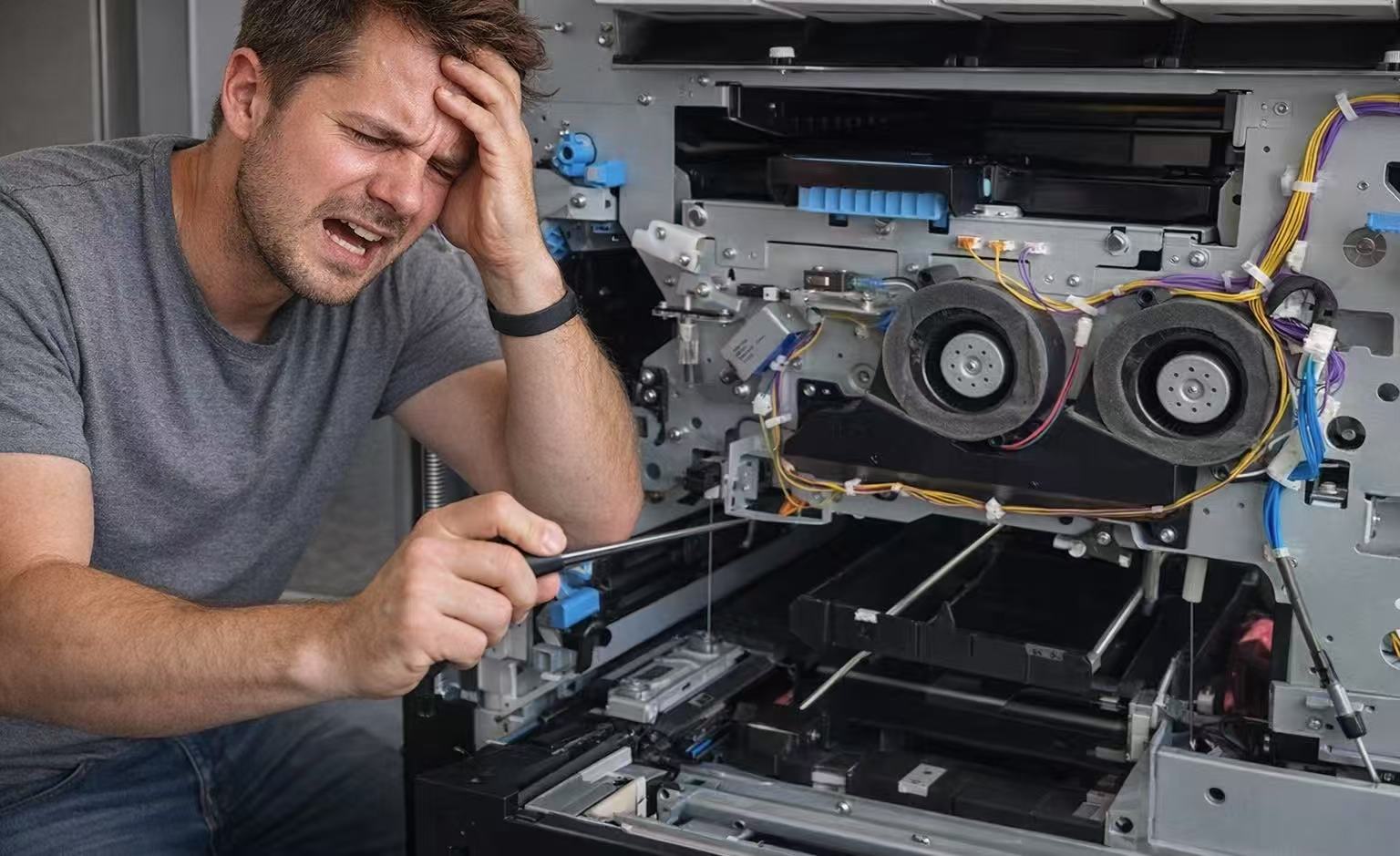
How to disassemble and clean the KG roller of Riso comcolor X1 series and EX series printers?
author: chameleon
2024-03-28
Have your Riso comcolor X1 series and EX series printers ever had printed materials become dirty?

This may be caused by debris on the KG roller, so we need to disassemble the KG roller for cleaning.
*Note: If you have any problems with your machine, it is recommended that you consult a professional before proceeding, otherwise the machine may be damaged. Chameleon has a team of professional technical engineers with 23 years of experience in inkjet printer repair. As a customer of Chameleon, we can provide you with professional technical video online guidance or door-to-door service.
*Note: If you have any problems with your machine, it is recommended that you consult a professional before proceeding, otherwise the machine may be damaged. Chameleon has a team of professional technical engineers with 23 years of experience in inkjet printer repair. As a customer of Chameleon, we can provide you with professional technical video online guidance or door-to-door service.
1. How to disassemble the KG roller?
First, disassemble the front door of the machine, find the location of the KG roller, and then gently open it from the gap on the edge of the KG roller to take it out;

2.How to clean KG roller?
Use dust-free paper to dip in the cleaning solution and carefully wipe off the burrs and other debris on the KG roller. Please note that dust-free paper must be used to prevent other foreign matter from adhering to the KG roller;

3. Reinstall
After the wiping is completed, find the spring behind the KG roller position, push the spring up with the KG roller, pass it through, and then gently snap it on, and the operation is completed.

For the full interview video, please click on the link.
About Heguang
Guangzhou Heguang Delicate Chemical Co., Ltd is headquartered in the strategic center area of eastern Guangdong, China. It is based on the forefront of the development of fine chemicals. It is an enterprise that relies on national laboratories and integrates research, industry and trade. Heguang Company has independent innovation and independent intellectual property rights, and its product quality has always maintained a leading level in the field of high-speed inkjet printers. We are committed to providing environmentally friendly, high-quality inks that do not clog the inkjet heads for the majority of inkjet printer users, as well as providing customers with one-stop solutions. We also have resource advantages in parts supply and technical support, making your business operations more convenient.
For more information about Heguang, please visit www.inkchameleon.com.
You can also connect with Heguang Facebook (Chameleon comcolor ink),
Instagram (heguang_inkjet_ink), and YouTube (Chameleon ComColor ink).
You can also connect with Heguang Facebook (Chameleon comcolor ink),
Instagram (heguang_inkjet_ink), and YouTube (Chameleon ComColor ink).
Riso comcolor machine disassembles CIS
Solution for ink contamination at the front end of BP belt for Riso comcolor printer
Related Article
2026 1 Prepare materials and check the machine 2 Identify the correct ink color and cartridge type 3 Open the front cover and remove the cartridge 4 Remove the empty cartridge
Steps for Using RISO Ink: A Detailed Step-by-Step Guide

Discover the riso printing working principle, a unique stencil-based digital printing method creating bold, textured prints. Explore risograph ink, layered color effects, and the process behind dynamic and economical riso prints.
Understanding Riso Printing: Working Principle & Process